Groups are a great place to share ideas, discuss, keep informed, let’s explore how we can make use of WhatsApp groups effectively for business. Remote Work / Online SetllingEducationTravel & TourismManpower...
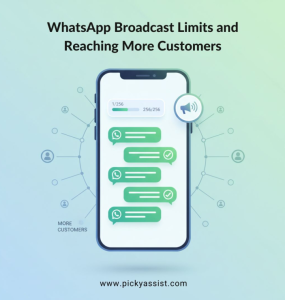
Reaching large audiences instantly is essential for modern businesses, but WhatsApp’s native interface makes it difficult to message people at scale. Most users don’t want the extra work of saving hundreds of contacts...
How to overcome broadcast limit?Reaching customers at scale on WhatsApp is every marketer’s dream, but most businesses hit a roadblock the moment they experience the WhatsApp broadcast limit. Startups or enterprises...
If you are a growing business, leveraging WhatsApp for customer engagement is essential. With more than 500 million WhatsApp users in India, finding the best WhatsApp API provider in India can help you scale...
Our Team of dedicated security professionals works vigilantly to keep Picky Assist platform fortified, Even after our scrutinizing if you happen to come across any security issues you may report the same to our security...
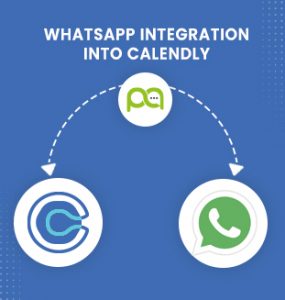
We will learn how to Integrate WhatsApp with Calendly to send automatic WhatsApp Messages to the Invitee & Guest whenever a new meeting is scheduled. Pre-Requisite WhatsApp Channel Enabled Picky Assist AccountAccess...
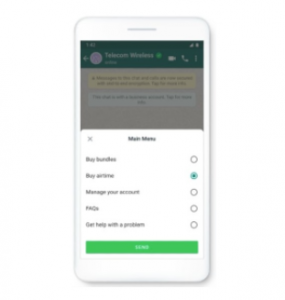
In Beta Now Refer API Doc WhatsApp keep adding more messages formats to their messaging app to make the communication more seamless and frictionless, July 2021 WhatsApp introduced a new message type “WhatsApp list...
In an era where attention spans are shrinking and instant responses define customer satisfaction, automation has become the ultimate business edge. But what if you could automate one of the most widely used...
In this article we will demonstrate how to Integrate WordPress.org (Self Hosted) with WhatsApp through Picky Assist Connector Pre-Requisite WhatsApp Channel Enabled Picky Assist AccountAccess to Picky Assist...
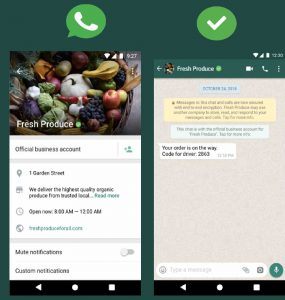
Each WhatsApp Official Account will assign a display name to the phone number and submit it for review by the WhatsApp team from your Business Manager. Display Name will be shown to the User based on your type of...