
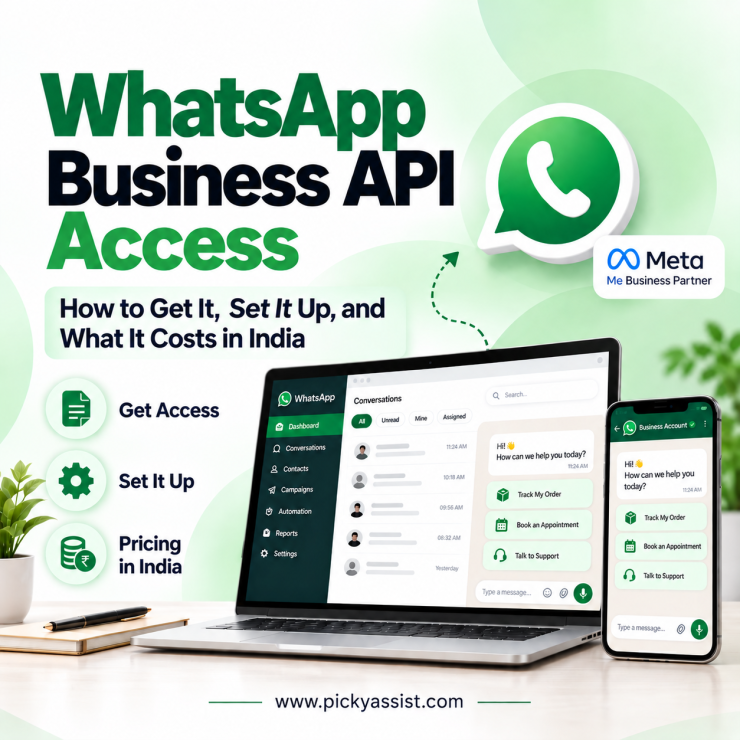
Most businesses researching WhatsApp Business API access hit the same wall: nobody publishes one clear price. The bill has two layers, Meta’s per-message charges and your provider’s platform fee, and providers bundle, mark up, or itemize them differently. Compare only the monthly plan price and you can misjudge what you will really pay.
This guide covers what the API does, how to get access, how to set it up, and what it costs in India, including Meta’s pricing changes on October 1, 2026.
What is WhatsApp Business API Used For?
The API lets a business run WhatsApp conversations through software instead of a single phone. Teams use it for:
- Customer support: a shared inbox, several agents on one number, and chatbots for routine questions.
- Order and appointment updates: confirmations, delivery alerts, and reminders.
- Marketing campaigns: approved template messages to customers who opted in.
- Lead handling: chatbot qualification with CRM sync.
- Verification: one-time passwords through authentication templates.
A clinic, for example, can send appointment reminders, answer timing questions with a chatbot, and hand complex cases to staff.
How Do You Get Access to WhatsApp Business API?
You have two routes. You can integrate directly with Meta’s Cloud API, which needs developers, or you can go through a Business Solution Provider (BSP) with a no-code dashboard. Most small businesses choose a BSP.
Gather these before you apply:
- A Meta Business portfolio (Business Manager) account
- Legal documents for business verification
- A phone number not active on the regular WhatsApp app
- A payment method for Meta’s message charges
- A provider account, such as Picky Assist
How Do You Set Up WhatsApp Business API?
- Create an account with your provider.
- Link your Meta Business portfolio and complete verification.
- Register and verify your phone number.
- Add a payment method to your WhatsApp Business Account.
- Submit message templates for approval.
- Build chatbot flows, connect your CRM, and invite agents.
- Send test messages before launch.
Choose each template’s category carefully. Meta charges by the category applied when you send it.
What Is the Monthly Cost of WhatsApp Business API in India?
Your monthly cost equals Meta’s message charges, plus your provider’s platform fee, plus GST as applicable. Meta’s rates depend on the message category and the recipient’s country.
| Message type | Meta rate (India) | Notes |
|---|---|---|
| Marketing | ₹0.8631 | Charged per delivered template |
| Utility | ₹0.115 | Free inside an open service window until September 30, 2026 |
| Authentication | ₹0.115 | Volume discounts available |
| Service replies | Free until September 30, 2026 | From October 1: ₹0.115 after 1,000 free per number each month |
Here is an illustrative month. Sending 2,000 marketing templates and 1,000 utility templates outside the service window costs ₹1,841.20 in Meta charges (₹1,726.20 plus ₹115), before the platform fee and GST.
Two factors change the math. Conversations that start from click-to-WhatsApp ads or Facebook Page buttons get a free 72-hour window. And from October 1, service replies and utility templates inside the 24-hour window become billable, so support teams running chatbots should estimate their volume now.
Provider fees vary, so ask whether a provider adds a markup on Meta’s rates. Picky Assist’s pricing page lists a free plan with a 30% markup on WhatsApp messaging charges, while paid plans bill at actual WhatsApp rates. Confirm current plan details before you commit.
How Do You Choose a Provider for WhatsApp API Access?
Compare providers on these points:
- Pricing transparency: markup on Meta’s rates, setup fees, and add-on costs.
- Team inbox: shared conversations with agent assignment.
- Automation: a no-code chatbot builder and workflows.
- CRM system and integrations: contacts, pipelines, and connectors to your existing tools.
- Campaign tools: template broadcasts for opted-in customers.
- Support: onboarding help and response times.
Picky Assist, an official Meta partner, covers these in one platform: WhatsApp, Facebook Messenger, and Instagram DM conversations, a no-code chatbot builder, a built-in CRM, automation workflows, connectors, and campaign management.
Conclusion
Getting started with the API comes down to four decisions. Choose between a provider and direct integration. Prepare your verification documents and a dedicated number. Budget Meta’s per-message charges, your provider’s fee, and GST together. Pick a platform that adds chatbots, CRM, and a team inbox instead of just a connection.
Plan for October 1 as well. Chatbot and support replies will start counting toward your bill once you pass 1,000 free service messages per number. To see your real numbers, explore Picky Assist, start on the free plan, and build your first flow.
Frequently Asked Questions
Yes. A BSP provides a no-code dashboard for verification, number registration, templates, and chatbots. Direct Cloud API integration is the route that needs developers.
No. Meta charges per delivered template message by category. Until October 1, replies inside the 24-hour service window and utility templates within it are free, and messages inside a 72-hour free entry window stay free. Providers add their own fees, and some offer a free plan.
Timelines depend on business verification and template review, so no fixed date applies. Complete documents, matching business details, and clear templates reduce delays.
Under a standard setup, a number can’t stay active on the regular WhatsApp app and the API together, so many businesses register a new number. Ask your provider about migrating an existing one.
Choose a BSP if you want a faster launch with an inbox, chatbots, and CRM included. Choose direct integration if you have in-house developers and need custom builds. Both pay Meta’s per-message rates.
At ₹0.8631 per message. Confirm the current rate on Meta’s rate card before budgeting.
Free-form replies from agents or chatbots stay free for the first 1,000 per business number each month. After that, Meta charges the service rate, which matches the utility rate. Utility templates sent inside the 24-hour window also become billable. The 72-hour free entry window is unchanged.
Yes. Picky Assist is a Meta partner offering official API access with a chatbot builder, CRM, and team inbox. A free plan with usage limits is available, and the pricing page lists current plans.
Add comment